
AI Image Generator: Text to Image
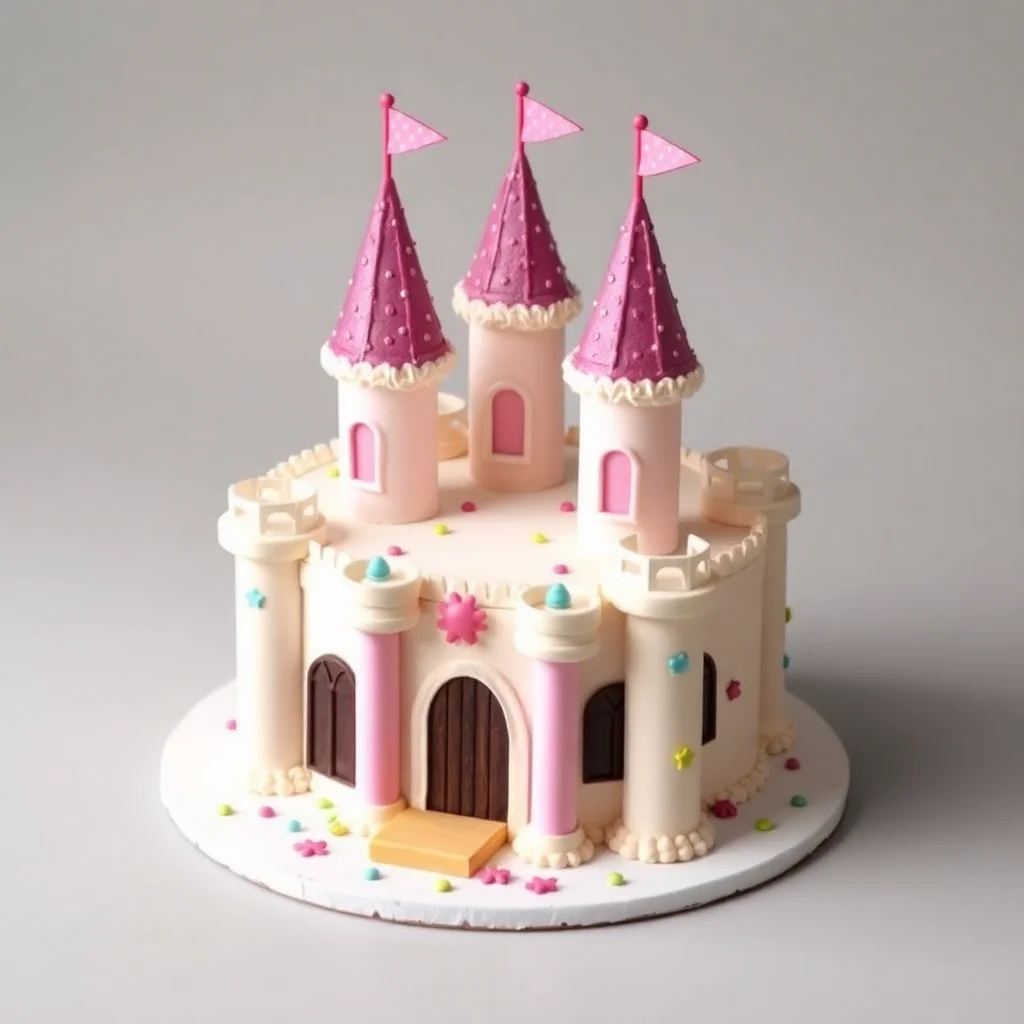
Describe a picture and AI creates 4 versions. First go free, then 3p a go. No subscription.
In plain words: Type what you want to see ("a cosy cabin in the snow, watercolour style") and AI makes four versions in seconds. Your first go is free, then each go costs 3p from prepaid credit. No subscription, no account.
Have a recovery code?
What you get





Starting…
How to Use AI Image Generator: Text to Image
- Describe the picture you want: subject, setting, style and lighting.
- Pick a shape (square, wide or tall) and press Create. Four versions appear in a few seconds.
- Download the ones you like. Add credit from £3 the first time. No account needed.
Great AI images without another subscription
Most AI image sites want £8–£20 a month. If you only need a few images for a post, a presentation, a birthday card or a product mock-up, that's poor value. WeShoal uses FLUX.1 [schnell] by Black Forest Labs, a fast, high-quality open model, and charges 3p for 4 images. £3 of credit makes about 400 images.
Tips for better results
- Be specific: "golden retriever puppy in a red raincoat, rainy London street, soft evening light, photo" beats "dog".
- Name a style: watercolour, 3D render, pencil sketch, cinematic photo, flat illustration.
- Use Tall 9:16 for Stories and Reels, and Wide 16:9 for YouTube thumbnails and slides.
How the pricing works (no subscription)
These tools run on powerful cloud GPUs through Replicate, which charges per use. Instead of a monthly subscription, WeShoal uses pay-as-you-go credit. Add £3 or more once by Apple Pay, Google Pay or card. There's no account and no registration. Stripe, our payment processor, asks for an email only to send your payment receipt, and we never use it for marketing. Your first go on each AI tool is free, with no payment and no email. Each run costs a small fixed amount shown on the button before you start. The price covers the GPU cost plus a small margin that keeps the free tools free.
- You're only charged if it works. If a run fails, the credit goes straight back.
- Your credit lives in this browser. You also get a recovery code so you can use it on another device or after clearing your browser.
- Privacy: your file is uploaded only to run the AI. Temporary copies are deleted automatically within about a day, and results are kept for about an hour.